
Security and workplace technology for offices.
In an office, building security and workplace technology must work together. S4 designs access, visitors, networks, Wi-Fi, equipment room and support with one method and a single point of contact.
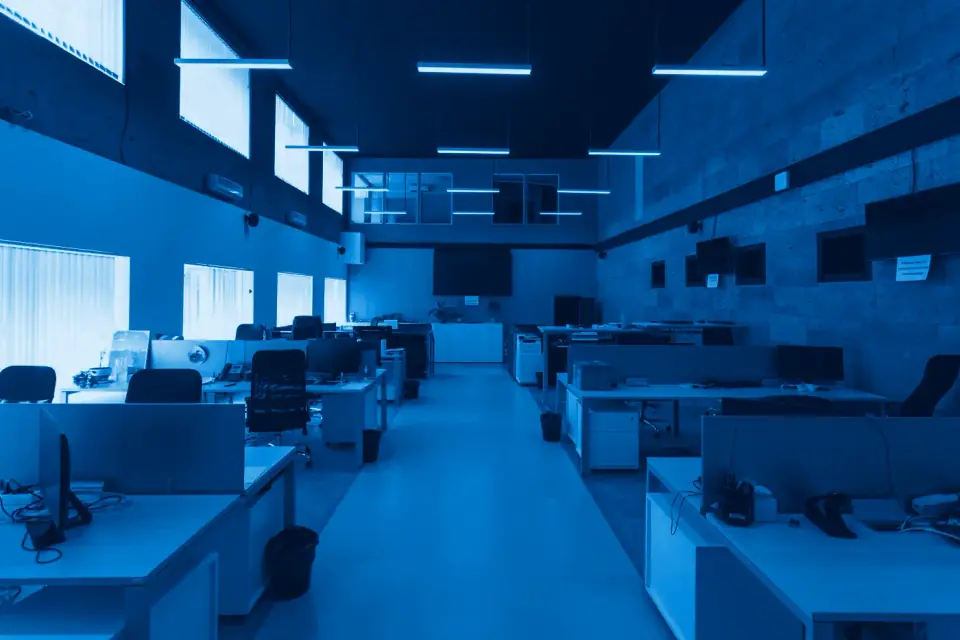
What sets this environment apart.
Offices change: new teams, reorganized floors, hybrid work. Systems must follow those changes without starting from scratch.
Reception with many visitors
Fast registration, host authorization and proper handling of visitor data.
Floors and areas with different permissions
Executive offices, archives, equipment room or floors shared by several companies, each with its own rules.
Hybrid work and full meeting rooms
Wi-Fi that saturates during meetings, shared desks and devices joining and leaving the network.
Improvised equipment room
Disorganized racks, undocumented cabling and no power backup: the cause of many outages.
Fragmented support
Several vendors for cameras, network and equipment, and nobody accountable for the whole.
One building, from reception to equipment room.
Typical office, with the points where we intervene. Explore the points or filter by system.
- Reception and turnstilesEmployee access control and visitor registration with host authorization.Security
- Access by floorProfiles and schedules by area, integrated with video surveillance.Security
- Wi-Fi by floorCoverage and capacity designed for meeting rooms and shared desks.Network and workplace
- Equipment roomStructured cabling, organized rack, power backup and documentation.Network and workplace
- Fire detectionDetectors, manual pull stations and signage according to applicable regulations.Security
- WorkstationsSupport, maintenance and backups so nobody is left unable to work.Network and workplace
What we solve and with which service.
Access control and visitors
Profiles, schedules, visitor registration and reception control.
Access controlStructured cabling and networks
Certified, documented infrastructure, ready to grow.
Cabling and networksEquipment room
Order, power backup and cooling for the heart of the network.
Data center and equipment roomRegulations that usually apply.
The technical report specifies the ones for your case.
Where to start.
You do not need to solve everything at once. This is the order we recommend.
- A visitor walk-throughFrom reception to exit: where they register, who authorizes them and where they go.
- Equipment room inventoryWhat is there, how it is connected and what happens if the power goes out. It is usually the cheapest risk to fix.
- Network and Wi-Fi mapWhere it saturates, which devices connect and what it must support in the coming years.
Frequently asked questions.
Can you handle security and IT at the same time?
Yes. It is the reason for our two pillars: one method and a single point of contact for the building and the workplace.
What do we do with visitor data?
Only the necessary data is collected, with a privacy notice and in line with Law 1581 of 2012. The design takes this into account from the start.
Does it work if the office is leased?
Yes. The design distinguishes what can be modified from what must be movable in a relocation.
Let's talk about your site.
The assessment walks through your site, using your real data.